


Hey there! I'm a supplier of industrial switches, and I often get asked about how to expand the ports of an industrial switch. It's a common concern, especially when your network needs are growing, and you find yourself running out of available ports. In this blog post, I'll share some practical ways to expand those ports, so let's dive right in.
Why Expand Ports?
Before we get into the how, let's talk about the why. There are several reasons you might need to expand the ports on your industrial switch. Maybe you're adding new devices to your network, like sensors, cameras, or access points. Or perhaps you're scaling up your operations and need more connections to support the increased traffic. Whatever the reason, having enough ports is crucial for a smooth and efficient network.
Method 1: Use a Stackable Switch
One of the easiest ways to expand the ports of an industrial switch is by using a stackable switch. Stackable switches are designed to be connected together, creating a single logical unit with more ports. This is a great option if you need to add a significant number of ports quickly.
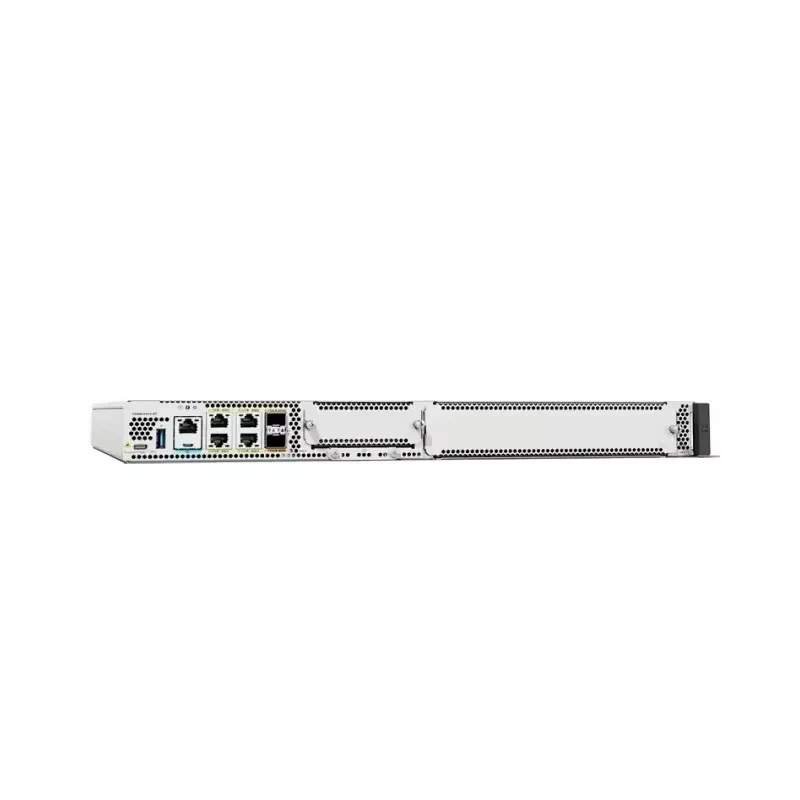
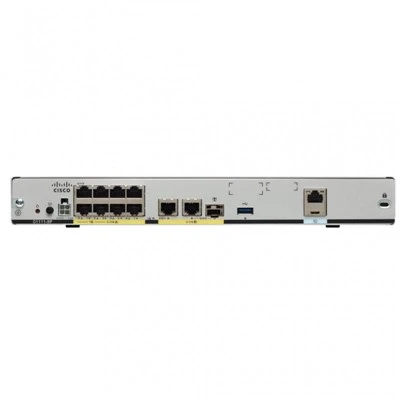
For example, our IE-3400-8P2S-E is a stackable industrial switch that can be easily connected to other switches in the same series. By stacking multiple switches, you can increase the number of ports available on your network without having to worry about complex configuration.
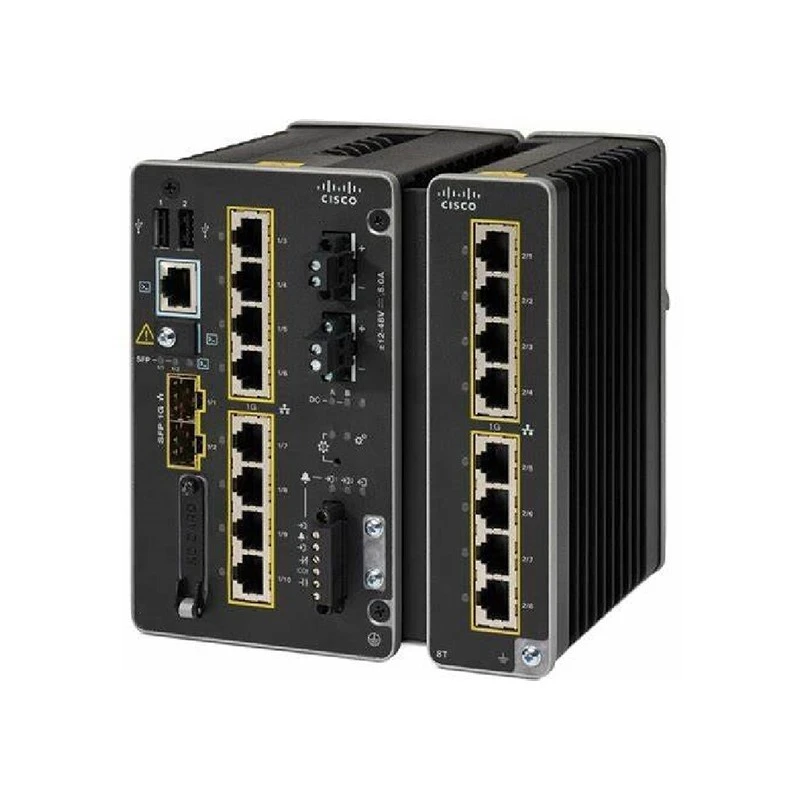

The advantage of using stackable switches is that they are easy to manage. You can configure and monitor all the switches in the stack as if they were a single device. This makes it convenient for network administrators to handle large-scale networks.
Method 2: Add a Port Expansion Module
Another option is to add a port expansion module to your existing industrial switch. Many industrial switches support the addition of expansion modules, which can provide additional ports without the need to replace the entire switch.
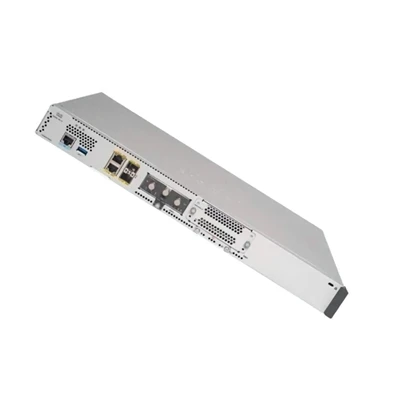
Our IE-3300-8P2S-E is a switch that offers the possibility of adding port expansion modules. These modules can be installed in the switch's expansion slots, allowing you to increase the number of ports based on your specific needs.
The benefit of using a port expansion module is that it's a cost-effective solution. Instead of buying a new switch with more ports, you can simply add a module to your existing switch. This can save you money, especially if you only need to expand the ports by a small amount.
Method 3: Connect Multiple Switches
If you don't have a stackable switch or a switch that supports port expansion modules, you can still expand the ports by connecting multiple switches together. This can be done using Ethernet cables or fiber-optic cables, depending on the distance and the type of network you have.
When connecting multiple switches, it's important to make sure that they are configured correctly. You need to set up the VLANs (Virtual Local Area Networks) and the routing protocols to ensure that the traffic flows smoothly between the switches.
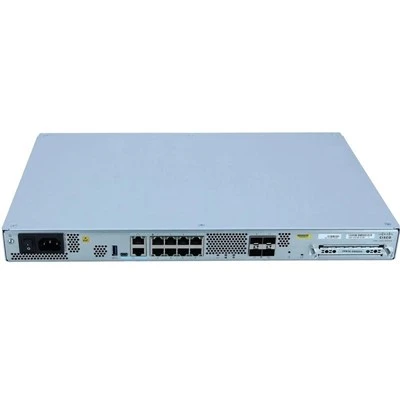
For example, our IE-3400-8T2S-E can be connected to other switches to create a larger network. By connecting multiple switches, you can increase the number of ports available for your devices.
Considerations When Expanding Ports
When expanding the ports of an industrial switch, there are a few things you need to consider. First, you need to make sure that your network can handle the increased traffic. Adding more ports means more devices will be connected to the network, which can put a strain on the network's bandwidth.
You also need to think about the power requirements. More ports mean more devices, and more devices mean more power consumption. Make sure that your power supply can handle the additional load.
Another important consideration is the physical space. If you're using stackable switches or adding port expansion modules, you need to make sure that you have enough space in your rack or cabinet to accommodate the additional equipment.
Conclusion
Expanding the ports of an industrial switch is not as complicated as it might seem. There are several options available, including using stackable switches, adding port expansion modules, and connecting multiple switches. By choosing the right method for your needs and considering the important factors, you can easily expand the ports of your industrial switch and keep your network running smoothly.
If you're interested in expanding the ports of your industrial switch or need more information about our products, feel free to reach out to us. We're here to help you find the best solution for your network. Let's start a conversation about how we can meet your industrial switch needs.
References
- Industrial Switching Handbook
- Network Design Best Practices