


What is a router's firmware?
As a router supplier, I often encounter customers who are curious about various aspects of routers. One question that frequently comes up is, "What is a router's firmware?" In this blog, I'll delve into the details of router firmware, explaining what it is, its importance, how it works, and why keeping it updated is crucial.
Understanding Router Firmware
At its core, a router's firmware is a type of software that is embedded in the router's hardware. It serves as the operating system for the router, controlling all of its functions and operations. Just as a computer needs an operating system like Windows or macOS to run applications and manage tasks, a router needs firmware to handle network traffic, establish connections, and enforce security policies.
Firmware is stored on a non - volatile memory chip within the router, which means it retains its data even when the router is powered off. This allows the router to boot up and start functioning as soon as it is powered on, using the pre - installed firmware instructions.
The Importance of Router Firmware
Router firmware plays several vital roles in the proper functioning of a network:
- Network Management: It manages the flow of data packets between different devices on the network. This includes tasks such as routing traffic between local devices and the internet, assigning IP addresses to connected devices through DHCP (Dynamic Host Configuration Protocol), and managing the quality of service (QoS) to ensure that critical applications receive sufficient bandwidth.
- Security: Firmware is responsible for implementing security features on the router. It can include functions like firewalls, which block unauthorized access to the network, and Wi - Fi encryption, which protects the data transmitted over the wireless network. For example, modern routers support WPA2 or WPA3 encryption, which are much more secure than the older WEP encryption.
- Device Compatibility: Router firmware ensures that the router can communicate with a wide range of devices, including smartphones, laptops, smart TVs, and IoT (Internet of Things) devices. It supports various network protocols such as Ethernet, Wi - Fi (802.11a/b/g/n/ac/ax), and Bluetooth, allowing seamless connectivity between different devices.
How Router Firmware Works
The router's firmware operates in a multi - layer architecture. At the lowest level, there is the hardware layer, which consists of the physical components of the router, such as the CPU, memory, and network interfaces. The firmware interacts directly with this hardware layer to control the operation of these components.
Above the hardware layer, there are various software modules within the firmware. These modules handle different functions, such as network routing, security, and user interface management. For example, the routing module uses routing protocols like OSPF (Open Shortest Path First) or BGP (Border Gateway Protocol) to determine the best path for data packets to travel from the source to the destination.
The user interacts with the router's firmware through a web - based interface or a mobile app. This interface allows the user to configure various settings on the router, such as setting up a Wi - Fi network, changing the router's password, or enabling parental controls. When the user makes a change in the interface, the firmware receives these instructions and updates its configuration accordingly.
Router Models and Firmware
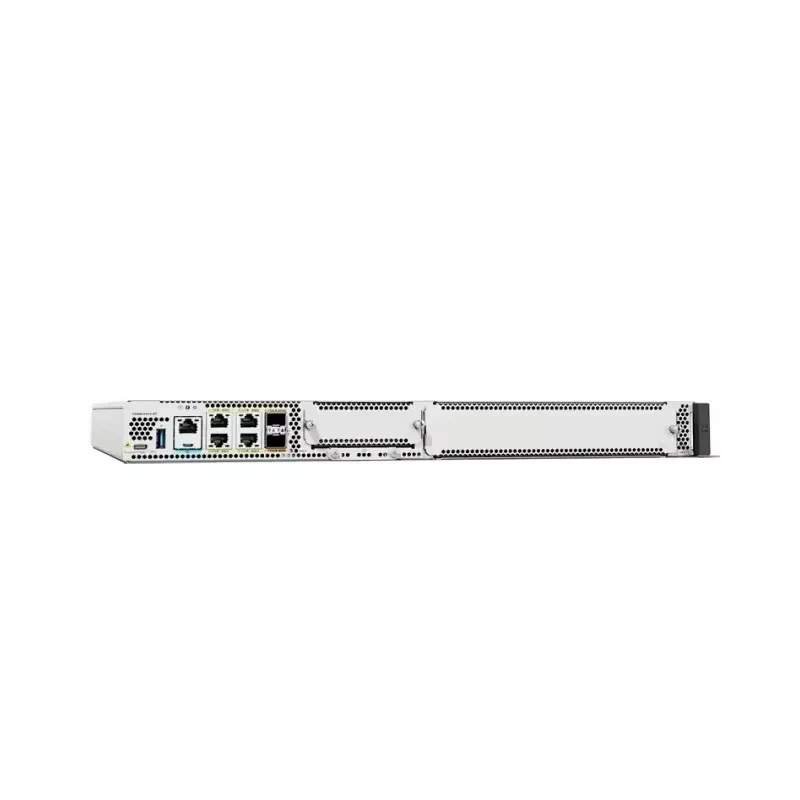
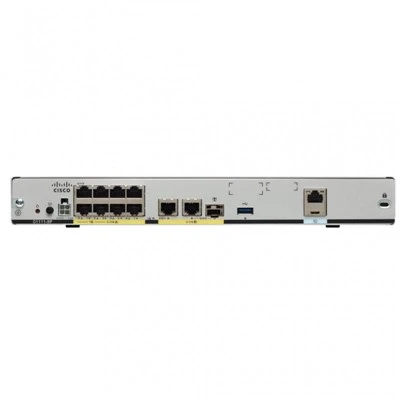
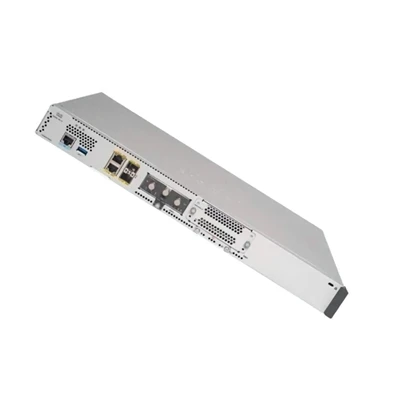
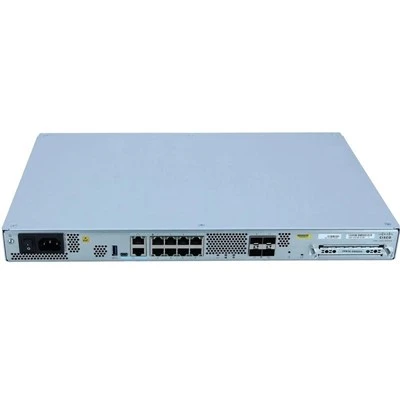
As a router supplier, we offer a variety of router models, each with its own specific firmware requirements and features. For example, the C8200L - 1N - 4T is a high - performance router designed for enterprise - level networks. Its firmware is optimized to handle large amounts of network traffic, support advanced security features, and integrate with other enterprise - level networking equipment.
The C8300 - 1N1S - 6T is another powerful router in our product line. It comes with firmware that supports features like multi - gigabit Ethernet ports, allowing for high - speed data transfer, and advanced routing capabilities for complex network topologies.
Similarly, the C8200 - 1N - 4T and C8300 - 2N2S - 4T2X are designed to meet the specific needs of different types of networks, and their firmware is tailored to provide the best performance and functionality for those use cases. The C8300 - 1N1S - 4T2X offers a balance between performance and cost - effectiveness, with firmware that supports a wide range of network applications.
The Need for Firmware Updates
Just like any other software, router firmware needs to be updated regularly. There are several reasons for this:
- Security Patches: Hackers are constantly finding new vulnerabilities in router firmware. Manufacturers release firmware updates to patch these vulnerabilities and protect your network from potential attacks. For example, if a security flaw is discovered in the router's firewall, a firmware update will be released to fix it.
- Performance Improvements: Over time, manufacturers may find ways to optimize the router's performance. Firmware updates can include improvements in network speed, stability, and power consumption. For instance, an update might optimize the Wi - Fi signal strength or reduce the latency in data transmission.
- New Features: As technology evolves, routers need to support new features. Firmware updates can add features like support for the latest Wi - Fi standards, new security protocols, or enhanced management tools. For example, an update might add support for the Wi - Fi 6E standard, which provides higher speeds and better performance in the 6 GHz frequency band.
Updating Router Firmware
Updating router firmware is generally a straightforward process, but it's important to follow the manufacturer's instructions carefully. Here are the general steps:


- Check for Updates: Log in to the router's web - based interface or use the manufacturer's mobile app to check if there are any available firmware updates. Some routers can also be set to automatically check for updates.
- Backup Your Settings: Before updating the firmware, it's a good idea to backup your router's settings. This ensures that you can restore your configuration if something goes wrong during the update process.
- Download the Update: If an update is available, download it from the manufacturer's website. Make sure to download the correct firmware version for your router model.
- Install the Update: Follow the manufacturer's instructions to install the firmware update. This usually involves uploading the downloaded file to the router's firmware update section in the web - based interface.
Conclusion
In conclusion, router firmware is the heart of a router, controlling its functions, ensuring network security, and enabling seamless connectivity. As a router supplier, we understand the importance of providing routers with reliable and up - to - date firmware. Our range of router models, such as the C8200L - 1N - 4T, C8300 - 1N1S - 6T, C8200 - 1N - 4T, C8300 - 2N2S - 4T2X, and C8300 - 1N1S - 4T2X, are designed to meet the diverse needs of different networks.
If you're in the market for a new router or looking to upgrade your existing one, we're here to help. Our team of experts can assist you in choosing the right router for your specific requirements and provide guidance on firmware updates and network configuration. Contact us to start a discussion about your router procurement needs.
References
- "Networking for Dummies" by Doug Lowe
- Cisco Router Documentation