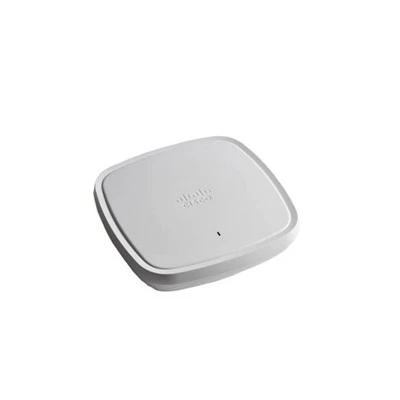



As a supplier of the C8200 - 1N - 4T router, I am often asked about how to configure the Quality of Service (QoS) policy on this device. QoS is a crucial aspect of network management, especially in today's high - traffic and latency - sensitive environments. It allows network administrators to prioritize different types of traffic, ensuring that critical applications receive the necessary bandwidth and low latency. In this blog post, I will guide you through the process of configuring QoS policies on the C8200 - 1N - 4T router.
Understanding the C8200 - 1N - 4T Router
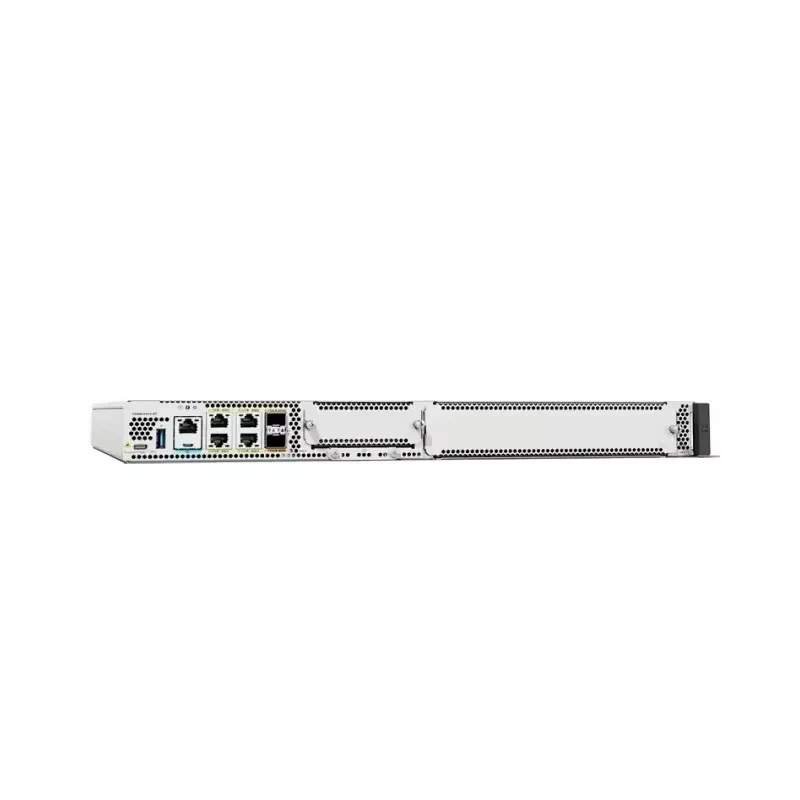
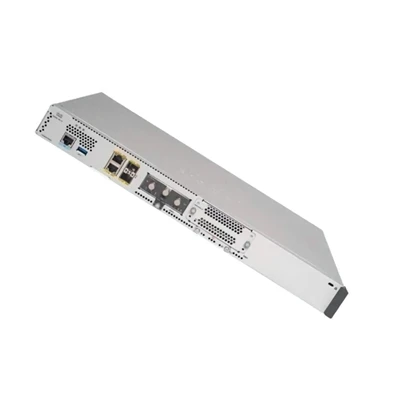
Before delving into QoS configuration, it's important to have a basic understanding of the C8200 - 1N - 4T router. The C8200 - 1N - 4T is a high - performance router designed for enterprise and service provider networks. It offers a wide range of interfaces, including Ethernet and serial ports, and is capable of handling large amounts of network traffic.
The router is based on Cisco's IOS XE operating system, which provides a rich set of features for network management, including QoS. IOS XE offers a modular and flexible approach to QoS configuration, allowing administrators to define policies based on various criteria such as traffic type, source and destination IP addresses, and port numbers.
Key Concepts of QoS
QoS is based on several key concepts that you need to understand before configuring a policy on the C8200 - 1N - 4T.
Traffic Classification
Traffic classification is the process of categorizing network traffic into different classes based on specific criteria. For example, you might classify voice traffic as a high - priority class, while web browsing traffic as a low - priority class. In IOS XE, you can use access control lists (ACLs) or class - maps to classify traffic.
Policy Maps
A policy map is used to define the actions that should be taken on the classified traffic. These actions can include bandwidth allocation, queuing, and traffic shaping. Policy maps are associated with class - maps, so that the actions are applied to the appropriate traffic classes.
Queuing
Queuing is a technique used to manage network traffic when the available bandwidth is insufficient to handle all the traffic. Different queuing algorithms can be used, such as First - In - First - Out (FIFO), Priority Queuing (PQ), and Weighted Fair Queuing (WFQ). Each algorithm has its own advantages and is suitable for different types of traffic.
Step - by - Step QoS Configuration on C8200 - 1N - 4T
Step 1: Define Traffic Classification
The first step in configuring QoS is to define the traffic classes. You can use class - maps to do this. Here is an example of how to create a class - map to classify voice traffic:
Router(config)# class - map match - all VOICE_TRAFFIC
Router(config - cmap)# match protocol sip
Router(config - cmap)# match protocol rtp
In this example, we are creating a class - map named VOICE_TRAFFIC that matches traffic using the Session Initiation Protocol (SIP) and Real - Time Transport Protocol (RTP), which are commonly used for voice communication.
Step 2: Create a Policy Map
Once you have defined the traffic classes, you need to create a policy map to define the actions for each class. Here is an example of a policy map that allocates bandwidth to the voice traffic class:
Router(config)# policy - map VOICE_POLICY
Router(config - pmap)# class VOICE_TRAFFIC
Router(config - pmap - c)# bandwidth 2000
In this example, we are creating a policy map named VOICE_POLICY and applying it to the VOICE_TRAFFIC class. We are allocating 2000 kilobits per second (kbps) of bandwidth to the voice traffic.
Step 3: Apply the Policy Map to an Interface
The final step is to apply the policy map to an interface. Here is an example of how to apply the VOICE_POLICY to an Ethernet interface:
Router(config)# interface GigabitEthernet0/0/0
Router(config - if)# service - policy output VOICE_POLICY
In this example, we are applying the VOICE_POLICY to the output direction of the GigabitEthernet0/0/0 interface.
Advanced QoS Configuration
In addition to the basic QoS configuration steps, there are several advanced features that you can use to optimize your QoS policy on the C8200 - 1N - 4T.
Traffic Shaping
Traffic shaping is a technique used to control the rate of traffic flow. It can be used to prevent network congestion and ensure that traffic does not exceed a certain rate. Here is an example of how to configure traffic shaping on a policy map:
Router(config)# policy - map SHAPING_POLICY
Router(config - pmap)# class DEFAULT
Router(config - pmap - c)# shape average 1000000
In this example, we are creating a policy map named SHAPING_POLICY and applying traffic shaping to the DEFAULT class. We are setting the average rate of traffic to 1000000 bits per second (bps).
Policing
Policing is another technique used to control traffic. Unlike traffic shaping, which buffers excess traffic, policing drops excess traffic. Here is an example of how to configure policing on a policy map:
Router(config)# policy - map POLICING_POLICY
Router(config - pmap)# class WEB_TRAFFIC
Router(config - pmap - c)# police 500000 100000 exceed - action drop
In this example, we are creating a policy map named POLICING_POLICY and applying policing to the WEB_TRAFFIC class. We are setting the committed information rate (CIR) to 500000 bps and the burst size to 100000 bits. Any traffic that exceeds this rate will be dropped.
Comparison with Other Cisco Routers
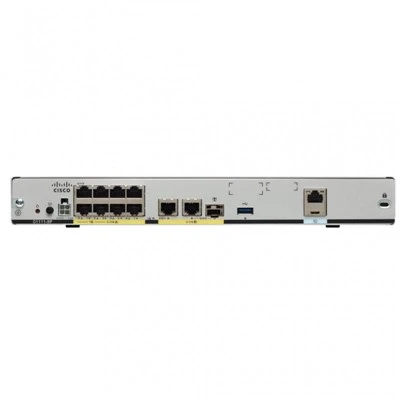
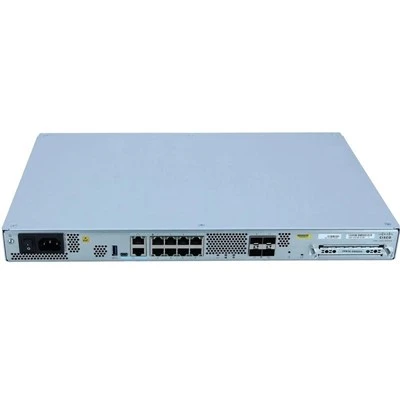
The C8200 - 1N - 4T is not the only router in Cisco's portfolio. Other routers such as the C1111 - 8P, C1111X - 8P, C8300 - 2N2S - 6T, and C8200L - 1N - 4T also offer QoS capabilities.
The C1111 - 8P and C1111X - 8P are smaller routers designed for branch offices. They offer basic QoS features and are suitable for small - to - medium - sized networks. The C8300 - 2N2S - 6T is a more powerful router with higher performance and more advanced QoS capabilities. It is suitable for large - scale enterprise and service provider networks. The C8200L - 1N - 4T is a lighter version of the C8200 - 1N - 4T, offering similar QoS features but with lower performance.
Conclusion
Configuring QoS policies on the C8200 - 1N - 4T router is a complex but essential task for network administrators. By following the steps outlined in this blog post, you can ensure that your network traffic is prioritized effectively, providing a better user experience for critical applications.


If you are interested in purchasing the C8200 - 1N - 4T router or need further assistance with QoS configuration, please feel free to contact us for a detailed discussion. We are here to help you optimize your network and meet your business needs.
References
- Cisco IOS XE QoS Configuration Guide
- Cisco C8200 Series Router Documentation