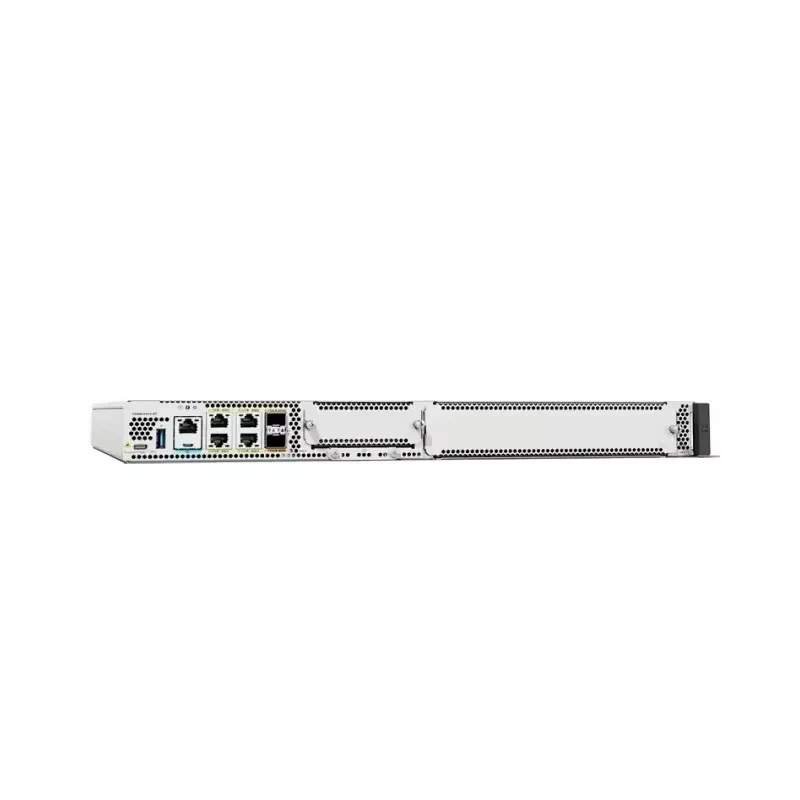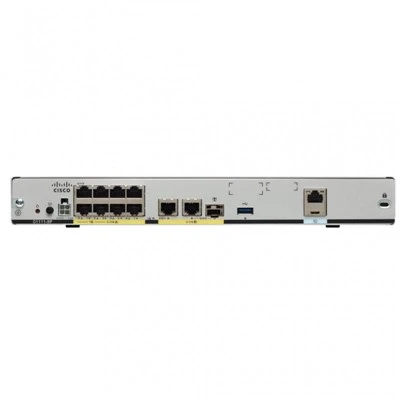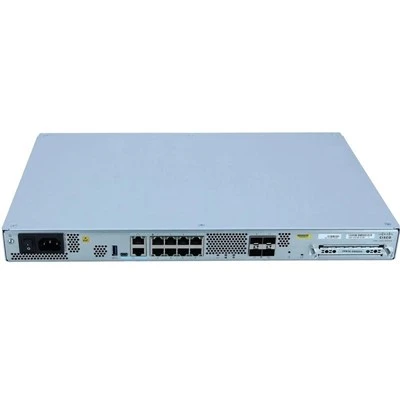



As a routers supplier, I often encounter customers who have questions about various router - related terms, and one of the frequently asked questions is "What is a router's SSID?" In this blog, I'll delve into the concept of SSID, its importance, how it works, and how our routers, such as C1121 - 4P, C8300 - 2N2S - 6T, C8300 - 1N1S - 4T2X, C8300 - 2N2S - 4T2X, and C1111 - 8P, handle SSID settings.
What is a Router's SSID?
SSID stands for Service Set Identifier. It is essentially the name of a Wi - Fi network. When you search for available Wi - Fi networks on your device, the list of names you see are the SSIDs. An SSID is a unique identifier that allows wireless devices to distinguish between different Wi - Fi networks in a given area.
Think of it as a label for a Wi - Fi network. Just like a store has a name that helps you identify it among many other stores on a street, an SSID helps your device find and connect to the specific Wi - Fi network you want. It is a case - sensitive string of up to 32 characters, which can include letters, numbers, and some special characters.
The Importance of SSID
The SSID plays a crucial role in the operation of a Wi - Fi network. Here are some key reasons why it is important:


Identification
As mentioned earlier, the primary function of an SSID is to identify a Wi - Fi network. Without an SSID, your device would have no way of knowing which network to connect to. For example, in an office building with multiple Wi - Fi networks, each department might have its own SSID. Employees can then easily connect to the network of their department.
Security
While the SSID itself is not a security measure, it can be used as part of a security strategy. For instance, a business might use a non - descriptive SSID to avoid attracting unwanted attention. A hacker looking for easy targets might be less likely to try and break into a network with an unassuming name like "OfficeNet123" compared to a network named "FreePublicWi - Fi".
Branding
For businesses, the SSID can be used as a branding tool. A coffee shop, for example, might use its business name as the SSID. This not only makes it easy for customers to find the Wi - Fi network but also reinforces the brand in the minds of the customers.
How SSID Works
When a router broadcasts a Wi - Fi signal, it includes the SSID in the beacon frames. These beacon frames are sent out at regular intervals (usually every 100 milliseconds). When a wireless device, such as a smartphone or a laptop, is in range of the router, it scans for these beacon frames. The device then displays the SSIDs of the available networks on its screen.
Once you select an SSID, your device attempts to connect to the corresponding Wi - Fi network. If the network is secured, you will be prompted to enter the password (also known as the Wi - Fi key). After entering the correct password, your device establishes a connection with the router, and you can start using the internet.
SSID Settings on Our Routers
Our routers, including C1121 - 4P, C8300 - 2N2S - 6T, C8300 - 1N1S - 4T2X, C8300 - 2N2S - 4T2X, and C1111 - 8P, offer flexible SSID settings. You can easily change the SSID to suit your needs.
To change the SSID, you typically need to access the router's configuration page. This can be done by entering the router's IP address into a web browser on a device that is connected to the router. Once you are on the configuration page, you can find the SSID settings under the wireless settings section.
You can also set up multiple SSIDs on our routers. This is useful in scenarios where you want to have different networks for different purposes. For example, you can have one SSID for guests and another for employees. Each SSID can have its own security settings, allowing you to control who has access to which network.
Hidden SSIDs
Some users choose to hide their SSIDs. A hidden SSID means that the router does not broadcast the SSID in the beacon frames. While this might seem like an extra layer of security, it has its drawbacks.
Pros of Hidden SSIDs
- Reduced Visibility: Since the SSID is not broadcast, it is less likely to be detected by casual users or potential hackers.
- Customized Access: You can require users to manually enter the SSID to connect, which gives you more control over who can access the network.
Cons of Hidden SSIDs
- Difficult to Connect: Users need to know the exact SSID and manually enter it, which can be a hassle, especially for non - technical users.
- Security Myths: A hidden SSID is not a substitute for proper security measures. A determined hacker can still discover the SSID using various techniques.
Best Practices for SSID Management
Here are some best practices for managing SSIDs on our routers:
Use a Strong and Descriptive Name
Choose an SSID that is easy to remember but not too revealing. Avoid using personal information or obvious names that could make your network a target.
Change the Default SSID
Most routers come with a default SSID. It is recommended to change the default SSID to a unique one. This helps prevent attackers from easily identifying the router model and potential vulnerabilities.
Secure Your SSID
Use a strong password to protect your Wi - Fi network. Enable WPA2 or WPA3 encryption, which provides better security compared to older encryption methods.
Conclusion
In conclusion, the SSID is a fundamental aspect of a Wi - Fi network. It serves as the identifier for the network, plays a role in security and branding, and allows devices to connect to the network. Our routers, such as C1121 - 4P, C8300 - 2N2S - 6T, C8300 - 1N1S - 4T2X, C8300 - 2N2S - 4T2X, and C1111 - 8P, offer flexible SSID settings to meet your diverse needs.
If you are interested in purchasing high - quality routers with excellent SSID management capabilities, we invite you to contact us for a procurement discussion. We are committed to providing you with the best routers and support for your networking requirements.
References
- Andrew S. Tanenbaum, "Computer Networks".
- Douglas E. Comer, "Computer Networks and Internets".