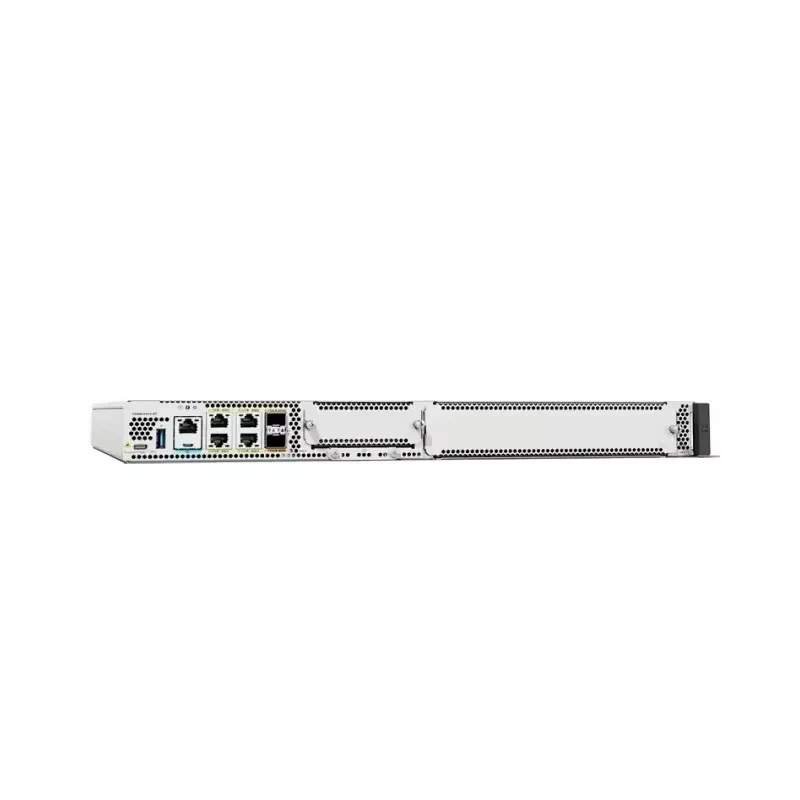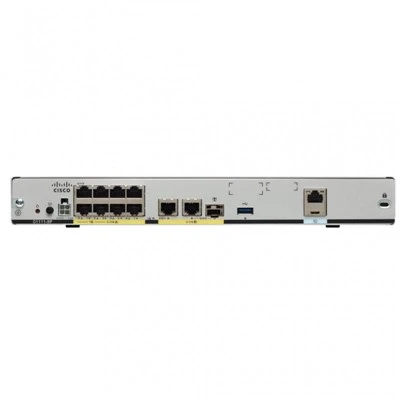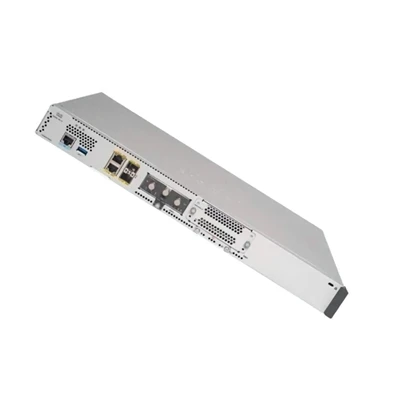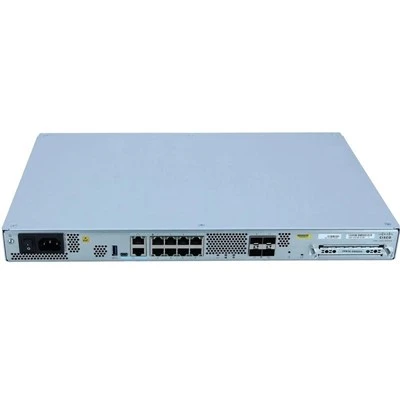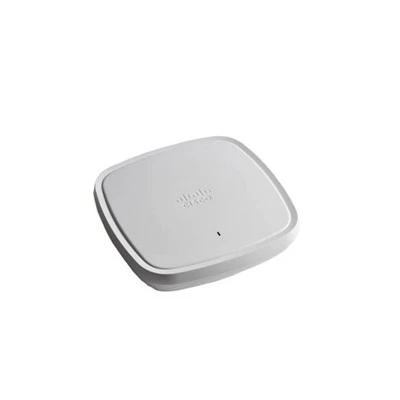



As a well - experienced supplier of the C8200 - 1N - 4T router, I am delighted to share in - depth knowledge about its management interface. In the dynamic world of networking, understanding the management interface of a router is crucial for businesses to ensure seamless operations, security, and scalability.
Overview of the C8200 - 1N - 4T
The C8200 - 1N - 4T is a powerful router designed to meet the diverse needs of modern enterprises. It offers high - performance routing capabilities, advanced security features, and seamless integration with other network components. C8200 - 1N - 4T stands out for its reliability and flexibility, making it a popular choice among businesses of all sizes.
Management Interface Basics
The management interface of the C8200 - 1N - 4T provides a central point for network administrators to configure, monitor, and manage the router. It offers multiple access methods, including the Command - Line Interface (CLI), the Web - based GUI (Graphical User Interface), and SNMP (Simple Network Management Protocol).
Command - Line Interface (CLI)
The CLI is a text - based interface that allows experienced network administrators to enter commands directly into the router. It offers the most comprehensive control over the router's configuration. With the CLI, administrators can perform tasks such as configuring interfaces, setting up routing protocols, and managing security policies.
For example, to configure an IP address on an interface, an administrator can use commands like:
interface GigabitEthernet0/0/0
ip address 192.168.1.1 255.255.255.0
no shutdown
The CLI's power lies in its ability to automate complex tasks through scripting. Network administrators can write scripts in languages like Python or Tcl to perform repetitive tasks, such as backing up configurations or applying security patches across multiple routers.
Web - based GUI
The Web - based GUI is a user - friendly interface that provides a visual way to manage the C8200 - 1N - 4T. It is ideal for less - experienced administrators or those who prefer a graphical approach. Through the GUI, administrators can access various configuration options, view real - time statistics, and troubleshoot network issues.


The GUI is organized into different sections, such as System, Interfaces, Routing, and Security. Each section contains a set of tabs and sub - menus that make it easy to navigate and configure specific settings. For instance, in the Interfaces section, administrators can easily enable or disable interfaces, configure IP addresses, and set up VLANs.
Simple Network Management Protocol (SNMP)
SNMP is a widely used protocol for managing and monitoring network devices. The C8200 - 1N - 4T supports SNMP, allowing network management systems (NMS) to collect information about the router's status, performance, and configuration.
SNMP uses a set of Management Information Bases (MIBs) to define the objects that can be managed and monitored. Network administrators can use SNMP - enabled tools to query the router for information such as interface utilization, CPU usage, and memory utilization. This information can be used to proactively identify and resolve network issues before they cause significant disruptions.
Advanced Management Features
In addition to the basic management interfaces, the C8200 - 1N - 4T offers several advanced management features that enhance its functionality and security.
Configuration Management
The router supports configuration management features that allow administrators to save, restore, and compare configurations. This is particularly useful for disaster recovery and change management. Administrators can save the current configuration to a file and restore it in case of a system failure or configuration error. They can also compare different configurations to identify changes and ensure compliance with network policies.
Software Image Management
Managing software images on the C8200 - 1N - 4T is simple and efficient. The router allows administrators to download, install, and upgrade software images directly from the management interface. This ensures that the router is always running the latest software, which includes bug fixes, security patches, and new features.
Remote Management
The C8200 - 1N - 4T supports remote management, which means that administrators can manage the router from anywhere in the world. This is especially useful for businesses with multiple branch offices or for managed service providers. Remote management can be achieved through secure protocols such as SSH (Secure Shell) for the CLI and HTTPS for the Web - based GUI.
Comparison with Other Cisco Routers
To better understand the C8200 - 1N - 4T's management interface, it's helpful to compare it with other routers in the Cisco portfolio, such as the C8300 - 1N1S - 4T2X, C8300 - 2N2S - 6T, C8200L - 1N - 4T, and C1121 - 4P.
The C8300 series routers are more powerful and offer higher - end features compared to the C8200 series. However, the management interfaces of both series share many similarities, such as the support for CLI, GUI, and SNMP. The C8200L - 1N - 4T is a lighter - weight version of the C8200 - 1N - 4T, but it still provides the essential management features.
The C1121 - 4P is a different class of router, designed for small - to - medium - sized businesses. While it also offers management interfaces similar to the C8200 - 1N - 4T, its features are more basic compared to the more advanced routers in the Cisco lineup.
Benefits of Using the C8200 - 1N - 4T's Management Interface
- Ease of Use: Whether you are an experienced network administrator or a novice, the C8200 - 1N - 4T's management interface offers options that suit your skill level. The GUI provides a visual and intuitive way to manage the router, while the CLI offers maximum control for power users.
- Efficiency: The management interface allows administrators to perform tasks quickly and efficiently. The ability to automate tasks through scripting and the support for remote management reduce the time and effort required to manage the router.
- Security: The management interface is designed with security in mind. It supports secure protocols such as SSH and HTTPS, ensuring that all management traffic is encrypted and protected from unauthorized access.
- Scalability: As your business grows, the C8200 - 1N - 4T's management interface can easily scale to meet your changing needs. You can add new interfaces, configure advanced routing protocols, and implement security policies without significant disruptions.
Conclusion
The management interface of the C8200 - 1N - 4T is a powerful and flexible tool that allows network administrators to effectively manage and monitor the router. With its support for multiple access methods, advanced management features, and seamless integration with other network components, it provides a comprehensive solution for modern networking needs.
If you are interested in learning more about the C8200 - 1N - 4T or other routers in our portfolio, we invite you to contact us for a detailed discussion on your networking requirements and potential procurement. Our team of experts is ready to assist you in making the best decision for your business.
References
- Cisco Technical Documentation for C8200 series routers
- Industry best practices for network router management
- Whitepapers on network security and configuration management