


Can I remap the buttons on a wireless controller? That's a question I get asked a lot as a wireless controller supplier. And the answer is, it depends. Let's dive into this topic and explore the ins and outs of button remapping on wireless controllers.
First off, what does it mean to remap buttons? Remapping buttons on a wireless controller is the process of changing the function of a particular button to another function. For example, you might want to swap the "X" and "O" buttons on a PlayStation controller to suit your gaming style. Or, you could remap a less - used button to perform a more frequently needed action, like a quick reload in a first - person shooter game.
Compatibility and Controller Types
Not all wireless controllers support button remapping. The ability to remap buttons largely depends on the controller's make, model, and the device it's connected to.


Some high - end gaming controllers, like the Xbox Elite Series 2, are designed with remapping in mind. They come with software that allows you to customize button functions easily. You can download the Xbox Accessories app on your Windows PC or Xbox console, and then use it to remap buttons, adjust stick sensitivity, and more. This gives gamers a lot of flexibility to tailor the controller to their specific needs.
On the other hand, many budget - friendly wireless controllers don't have built - in remapping capabilities. These controllers are often designed to work with a standard set of button functions, and there's no easy way to change them. If you're using a basic wireless controller that came with a console, you might be out of luck when it comes to remapping.
Remapping on Different Devices
Console Remapping
When it comes to consoles, each major brand has its own approach to button remapping.
For PlayStation consoles, the DualShock 4 and DualSense controllers have some limited remapping options. You can access the controller settings in the console's system menu and make basic changes. However, the remapping options are not as extensive as those on the Xbox Elite Series 2.
Nintendo Switch controllers, such as the Joy - Cons and the Pro Controller, also offer some remapping features. You can go to the "Controllers and Sensors" section in the Switch's settings to customize button functions. This is great for players who want to make the controls more comfortable for their hands.
PC Remapping
Remapping buttons on a wireless controller when using it with a PC is a bit more flexible. There are third - party software options available that can help you remap buttons on almost any controller. For example, programs like Xpadder and AntimicroX allow you to create custom button mappings for your controllers. You can map controller buttons to keyboard keys, mouse clicks, or other functions. This is especially useful for playing games that don't natively support the controller or for creating more complex control schemes.
Our Wireless Controllers
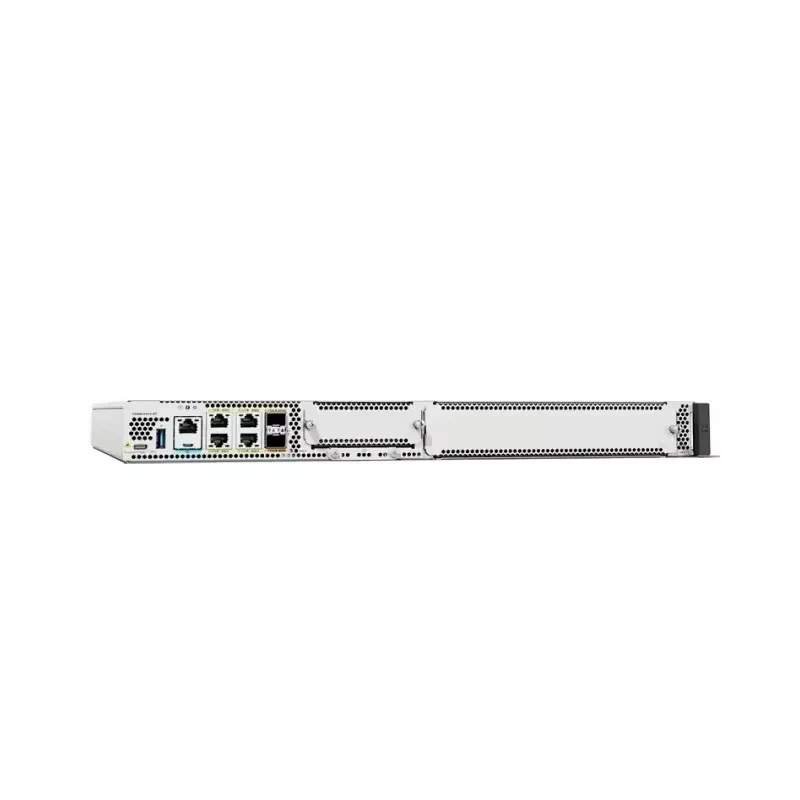
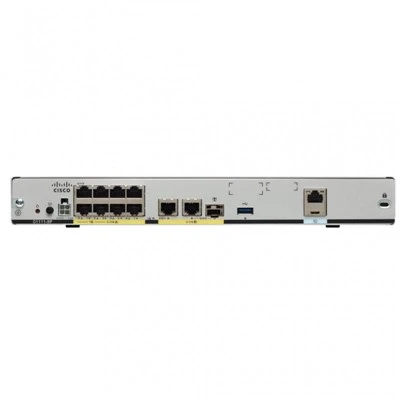
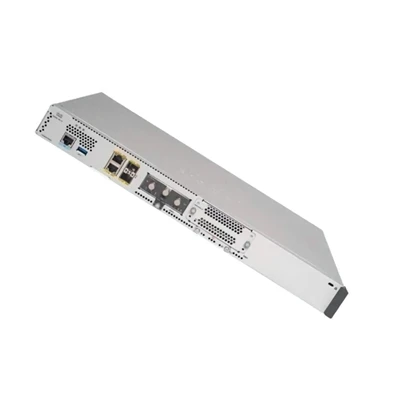
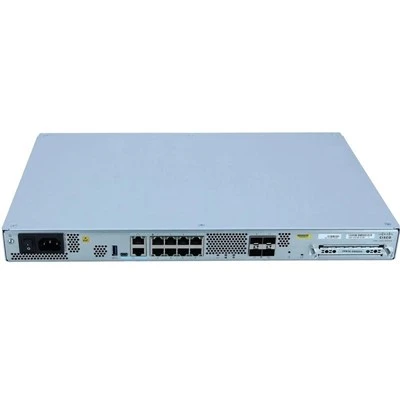
As a wireless controller supplier, we offer a range of controllers, including models that support button remapping. Our product lineup includes some of the most popular and reliable controllers on the market.
For instance, we have the C9800 - 80 - K9, which is a high - performance wireless controller. It comes with advanced software that allows for easy button remapping. Whether you're a casual gamer or a professional esports player, you can customize the controller to fit your playstyle.
The C9800 - L - F - K9 is another great option. It's designed with versatility in mind, and the remapping features are intuitive and user - friendly. You can make changes on the fly without having to go through a complicated setup process.
We also offer the C9800 - 40 - K9 and C9800 - L - C - K9. These controllers are known for their durability and excellent performance. The button remapping capabilities on these models give you the freedom to create a personalized gaming experience.
Benefits of Button Remapping
There are several benefits to remapping the buttons on a wireless controller.
Improved Comfort: Everyone's hands are different, and the default button layout on a controller might not be comfortable for everyone. By remapping buttons, you can make the controller fit your hand better, reducing fatigue during long gaming sessions.
Enhanced Performance: In competitive gaming, every second counts. Remapping buttons can allow you to perform actions more quickly and efficiently. For example, you can map a frequently used action to a more easily accessible button, giving you an edge over your opponents.
Accessibility: Button remapping can also be a great tool for gamers with disabilities. It allows them to customize the controller to suit their specific needs, making gaming more inclusive.
Considerations Before Remapping
Before you start remapping the buttons on your wireless controller, there are a few things to keep in mind.
Game Compatibility: Some games might not support custom button mappings. If you remap the buttons and then try to play a game that has strict control requirements, you might run into issues. Make sure to check the game's documentation or community forums to see if it allows for button remapping.
Learning Curve: Remapping buttons means you'll have to learn a new control scheme. It might take some time to get used to the new button functions, especially if you've been using the default layout for a long time. Be patient with yourself and practice using the new mapping in a low - stress environment.
Conclusion
So, can you remap the buttons on a wireless controller? The answer is yes, in many cases. Whether you're using a console or a PC, there are options available to customize your controller's button functions. As a wireless controller supplier, we're committed to providing you with controllers that offer the best in terms of performance and customization.
If you're interested in exploring our range of wireless controllers with button remapping capabilities, we'd love to have a chat with you. Whether you're a retailer looking to stock our products or an individual gamer in search of the perfect controller, we're here to help. Reach out to us to start a conversation about your needs and how our controllers can meet them.
References
- Microsoft. (n.d.). Xbox Accessories app. Retrieved from Microsoft official website.
- Sony. (n.d.). PlayStation controller settings. Retrieved from Sony official website.
- Nintendo. (n.d.). Nintendo Switch controller settings. Retrieved from Nintendo official website.
- Xpadder official website. (n.d.).
- AntimicroX official website. (n.d.).