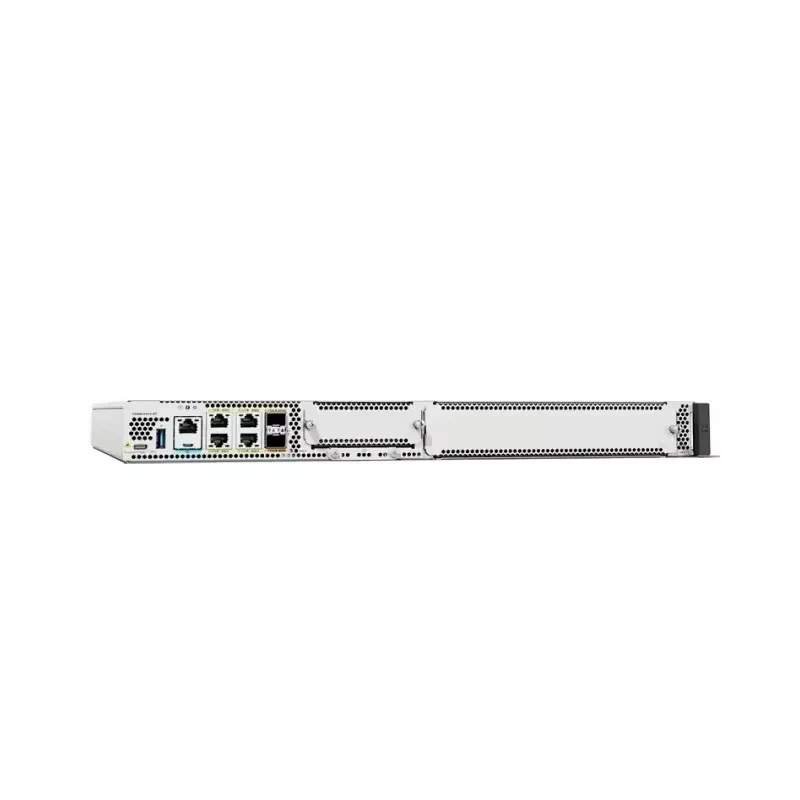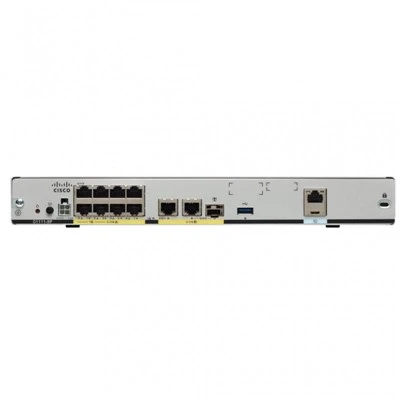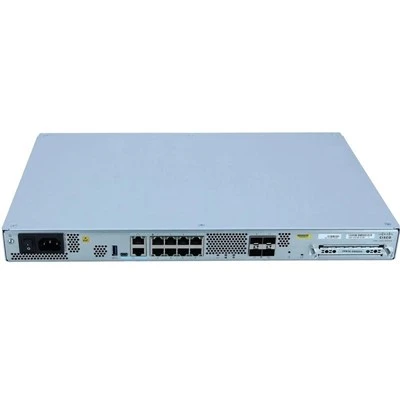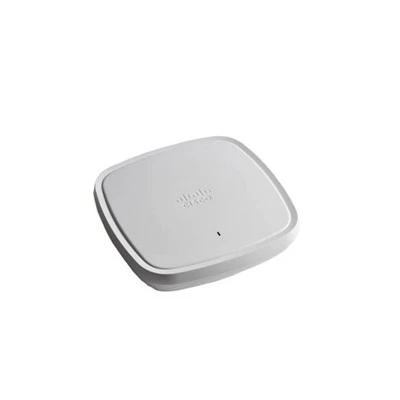



In the modern digital era, wireless networks have become an indispensable part of our lives, powering everything from smartphones and laptops to smart home devices and industrial sensors. At the heart of these networks are Wireless Access Points (APs), which serve as the bridge between wired and wireless networks, allowing devices to connect and communicate seamlessly. As a leading supplier of wireless APs, I often encounter questions from customers about the security of these devices. In this blog post, I will explore the security aspects of wireless APs, discussing the potential risks, the security features available, and how our products, such as the C9105AXW, C9120AXE, C9130AXE, C9115AXE, and C9115AXI, ensure a secure wireless environment.
Understanding the Risks
Before delving into the security features of wireless APs, it's essential to understand the potential risks associated with wireless networks. Wireless networks are more vulnerable to attacks than wired networks because the data transmitted over the airwaves can be intercepted by unauthorized devices. Here are some common security threats:
- Eavesdropping: Attackers can use software-defined radios or wireless sniffers to capture and analyze the data transmitted over a wireless network. This can lead to the disclosure of sensitive information such as passwords, credit card numbers, and personal data.
- Unauthorized Access: Without proper security measures, anyone within range of a wireless network can connect to it. Attackers can use this access to gain control of the network, install malware, or launch further attacks on connected devices.
- Man-in-the-Middle (MitM) Attacks: In a MitM attack, an attacker intercepts the communication between two parties and can modify or steal the data being transmitted. This can be particularly dangerous in financial transactions or other sensitive communications.
- Denial-of-Service (DoS) Attacks: Attackers can flood a wireless network with traffic, overwhelming the AP and preventing legitimate users from accessing the network.
Security Features in Wireless APs
To mitigate these risks, modern wireless APs are equipped with a range of security features. Here's how our wireless APs protect your network:
Encryption
Encryption is the process of encoding data so that it can only be read by authorized parties. Our wireless APs support the latest Wi-Fi Protected Access (WPA3) encryption standard, which provides stronger security than its predecessors. WPA3 uses Simultaneous Authentication of Equals (SAE) to prevent brute-force attacks on passwords and adds forward secrecy to protect past communications.
Authentication
Authentication ensures that only authorized devices can connect to the wireless network. Our APs support various authentication methods, including pre-shared keys (PSK) for home and small business networks and more advanced enterprise-level authentication protocols such as 802.1X with Extensible Authentication Protocol (EAP). 802.1X allows for the use of digital certificates or usernames and passwords to authenticate users, providing an additional layer of security.


Access Control
Access control features allow network administrators to define who can connect to the network and what they can do once they are connected. Our APs support MAC address filtering, which allows you to restrict access to the network based on the unique hardware address of each device. Additionally, you can set up user groups and apply different access policies to each group, ensuring that users only have access to the resources they need.
Intrusion Detection and Prevention
Our wireless APs are equipped with intrusion detection and prevention systems (IDPS) that monitor the network for suspicious activity. If an IDPS detects an attack, it can take action to prevent the attack from succeeding, such as blocking the attacker's IP address or sending an alert to the network administrator.
Firmware Updates
Regular firmware updates are essential for maintaining the security of wireless APs. Our company is committed to providing timely firmware updates that include security patches and new features. These updates ensure that your APs are protected against the latest security threats.
Case Studies: How Our APs Provide Security
Let's take a look at some real-world examples of how our wireless APs have helped businesses and organizations secure their wireless networks.
- A Financial Institution: A large financial institution was facing security challenges with its wireless network. The institution needed to ensure the confidentiality and integrity of its customers' financial data, which was being transmitted over the wireless network. By deploying our C9130AXE APs, the institution was able to implement strong encryption and authentication measures, as well as access control policies. The IDPS in the APs also helped to detect and prevent potential attacks, ensuring the security of the network.
- A Healthcare Facility: A healthcare facility needed to protect the privacy of its patients' medical records, which were stored on its wireless network. Our C9120AXE APs were deployed to provide a secure wireless environment. The APs supported the use of 802.1X authentication, which ensured that only authorized healthcare providers could access the network. Additionally, the encryption features in the APs protected the medical records from being intercepted by unauthorized parties.
Our Commitment to Security
As a wireless AP supplier, we are committed to providing our customers with the highest level of security. We invest heavily in research and development to ensure that our products incorporate the latest security technologies and best practices. Our team of security experts conducts regular security audits and tests to identify and address any potential vulnerabilities in our products.
In addition to the security features built into our APs, we also provide comprehensive support and training to our customers. Our support team is available 24/7 to assist with any security-related issues, and we offer training courses to help network administrators understand and implement the security features of our products.
Conclusion
Wireless APs can be secure if they are properly configured and maintained. By understanding the potential risks and implementing the right security measures, you can ensure that your wireless network is protected against unauthorized access, eavesdropping, and other security threats. Our range of wireless APs, including the C9105AXW, C9120AXE, C9130AXE, C9115AXE, and C9115AXI, are designed to provide a secure and reliable wireless experience for businesses and organizations of all sizes.
If you are interested in learning more about our wireless APs and how they can help you secure your network, please contact us to discuss your specific requirements. We look forward to working with you to ensure the security of your wireless infrastructure.
References
- [Wi-Fi Alliance. (n.d.). WPA3 Security.](Wi-Fi Alliance official website)
- [Cisco. (n.d.). Wireless Security Best Practices.](Cisco official documentation)
- [IEEE 802.11 Working Group. (n.d.). IEEE 802.11 Standards.](IEEE official website)