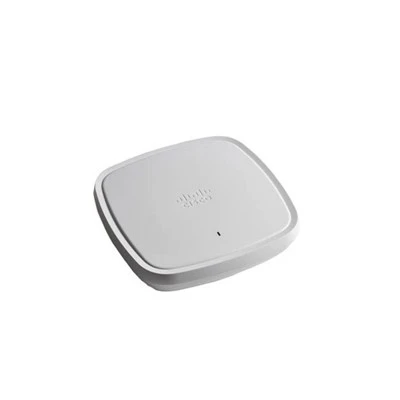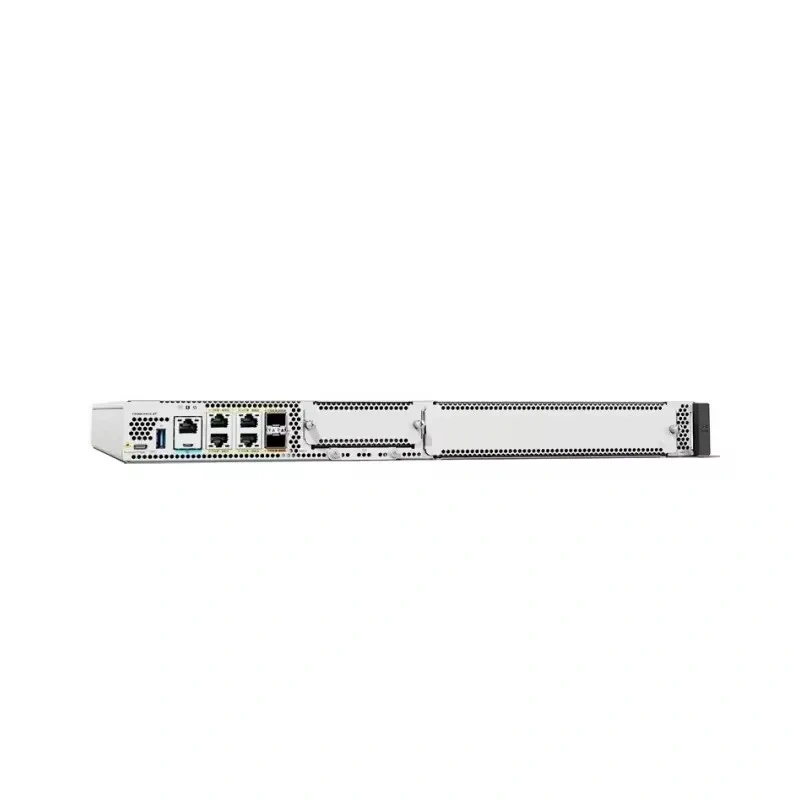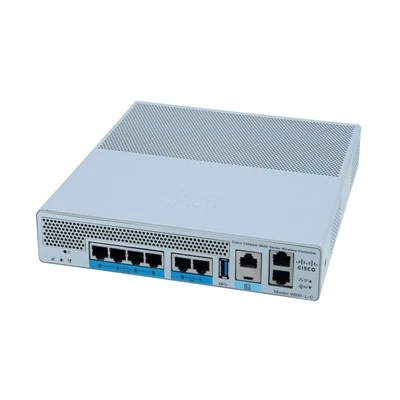


Hey there! As a supplier of the C9115AXE, I often get asked about its latency. So, let's dig into what latency really means for the C9115AXE and how it affects your network.
First off, latency is the time it takes for a data packet to travel from its source to its destination. In the context of the C9115AXE, which is a wireless access point, latency can have a huge impact on the user experience. Whether it's for video conferencing, online gaming, or just browsing the web, low latency is key.
The C9115AXE is designed to minimize latency as much as possible. It uses the latest Wi - Fi 6 technology, which comes with a bunch of features that help in reducing the time data takes to move around. For example, Wi - Fi 6 supports Orthogonal Frequency Division Multiple Access (OFDMA). This technology allows the access point to communicate with multiple devices simultaneously, rather than one at a time. By doing so, it reduces the waiting time for each device, which in turn cuts down on latency.
Another feature of Wi - Fi 6 that helps with latency in the C9115AXE is Target Wake Time (TWT). TWT lets devices schedule when they wake up to communicate with the access point. This means that devices don't have to constantly be on the lookout for data, saving power and also reducing the chance of interference, leading to lower latency.
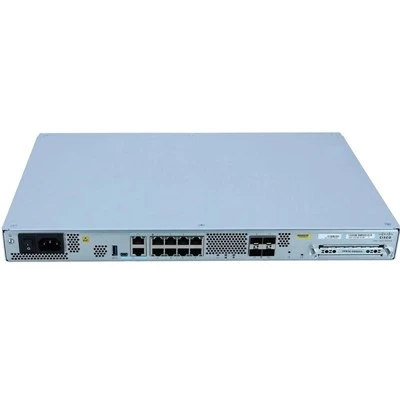
But how does the latency of the C9115AXE compare with other similar products in the market? Let's take a look at some of its siblings in the Cisco wireless APs lineup. There's the C9130AXI, the C9124AXE - ROW, the C9115AXI, and the C9120AXI.
The C9115AXE has been optimized for environments where low latency is crucial. It's a great choice for places like schools, hospitals, and offices where a large number of devices are connected, and users need to have a smooth experience. Compared to some of the older models, the C9115AXE can offer significantly lower latency because of the Wi - Fi 6 enhancements.
In a school setting, for example, students might be using their tablets for online classes. With high latency, there could be delays in video streaming, making it difficult for the students to follow the lesson. The C9115AXE can ensure that the video and audio are in sync, providing a seamless learning experience.
In a hospital, doctors and nurses rely on real - time data access for patient care. High latency could mean delays in accessing vital patient information, which can have serious consequences. The C9115AXE's low latency helps in keeping the network responsive, allowing medical staff to get the information they need quickly.


Now, let's talk about some real - world factors that can affect the latency of the C9115AXE. One of the biggest factors is the number of devices connected to the access point. As more devices join the network, the access point has to divide its resources among them. This can lead to an increase in latency, especially if the devices are all trying to send and receive data at the same time.
The physical environment also plays a big role. Walls, metal objects, and other obstacles can interfere with the Wi - Fi signal, causing it to slow down and increase latency. The placement of the C9115AXE is crucial to ensure that it has a clear line of sight to as many devices as possible.
The type of applications being used on the devices also matters. Bandwidth - intensive applications like 4K video streaming or online gaming require a lot of data to be transferred quickly. If the network can't keep up, latency will increase. The C9115AXE is built to handle these types of applications, but it's still important to manage the network traffic effectively.
To measure the latency of the C9115AXE, you can use tools like ping, which sends a small data packet to a target device and measures the time it takes to get a response. Another option is to use more advanced network monitoring software that can provide detailed information about the network performance, including latency.
If you're experiencing high latency with the C9115AXE, there are a few things you can do. First, check the number of devices connected to the access point. If there are too many, consider upgrading to a more powerful access point or adding additional access points to the network.
You can also try changing the channel that the C9115AXE is using. Sometimes, other Wi - Fi networks in the area can interfere with the signal, causing latency. By switching to a less congested channel, you can improve the network performance.
In conclusion, the latency of the C9115AXE is generally quite low thanks to its Wi - Fi 6 technology. However, real - world factors like the number of connected devices, the physical environment, and the type of applications being used can all affect it. If you're looking for a reliable wireless access point that can provide a low - latency experience, the C9115AXE is a great choice.
If you're interested in purchasing the C9115AXE for your business or organization, don't hesitate to reach out. We can discuss your specific needs, provide more detailed information, and help you get the best setup for your network. Let's work together to ensure that your network runs smoothly with low latency.
References:
- Bluetooth SIG. Wi - Fi 6 Technology Overview.
- Cisco Wireless APs Product Manuals.