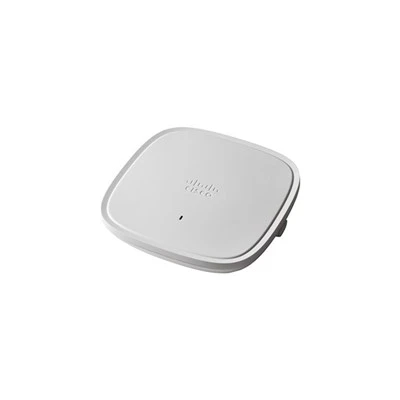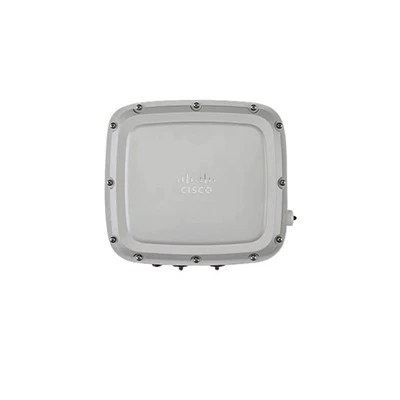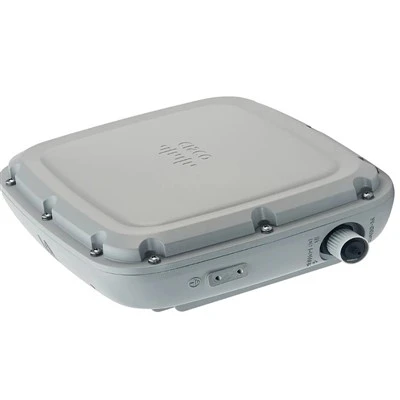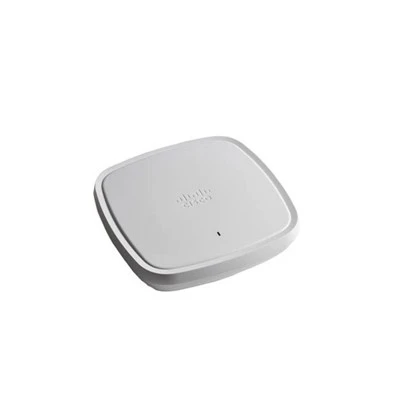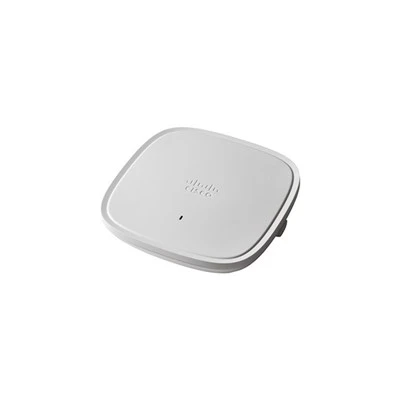


As a supplier of the C9130AXE, I am often asked about the maintenance items for this high - performance wireless access point. In this blog, I will delve into the key maintenance aspects to ensure the C9130AXE operates at its best.
Hardware Inspection
The first step in maintaining the C9130AXE is a regular hardware inspection. This includes checking the physical condition of the device. Look for any signs of damage, such as cracks on the casing, bent or broken antennae. The antennae are crucial for signal transmission and reception. A damaged antenna can lead to poor signal strength and coverage. For example, if an antenna is bent, it may not be able to emit the radio waves in the intended pattern, resulting in dead zones in the wireless network.
Inspect the power supply unit as well. Ensure that the power cable is properly connected and there are no signs of fraying or damage. A faulty power supply can cause the C9130AXE to shut down unexpectedly or operate erratically. Check the power adapter for any signs of overheating, which could indicate a problem with the internal components.
The ventilation ports of the C9130AXE also need attention. These ports are designed to keep the device cool. If they are blocked by dust, debris, or other objects, the device may overheat. Overheating can lead to reduced performance and even permanent damage to the internal components. Use a soft brush or compressed air to clean the ventilation ports regularly.
Firmware Updates
Firmware is the software that runs on the C9130AXE. Regular firmware updates are essential for maintaining the device. Cisco, the manufacturer of the C9130AXE, releases firmware updates to improve performance, add new features, and fix security vulnerabilities.
To perform a firmware update, first, check the Cisco website for the latest firmware version available for the C9130AXE. Download the update file and transfer it to the device. The process of updating the firmware may vary depending on the configuration of your network and the device. It is recommended to follow the official Cisco documentation for the correct procedure.
Before performing a firmware update, it is advisable to back up the device's configuration. This ensures that in case something goes wrong during the update process, you can restore the device to its previous state. Also, schedule the update during off - peak hours to minimize disruption to the network.
Configuration Management
Proper configuration management is another important maintenance item. The C9130AXE can be configured in various ways to meet different network requirements. Regularly review the configuration settings to ensure they are still appropriate for your network.
Check the wireless settings, such as the SSID (Service Set Identifier), security protocols, and channel settings. The SSID is the name of the wireless network that users see when they search for available networks. Make sure the SSID is unique and easy to remember.
Regarding security protocols, use the latest and most secure options, such as WPA3. WPA3 provides better protection against unauthorized access and security threats compared to older protocols like WPA2.
The channel settings can affect the performance of the wireless network. If multiple access points are operating in the same area, they may interfere with each other if they are using the same or overlapping channels. Use a wireless scanner tool to identify the least congested channels and configure the C9130AXE accordingly.
Performance Monitoring
Monitoring the performance of the C9130AXE is crucial for early detection of potential issues. Use network monitoring tools to track key performance indicators, such as signal strength, throughput, and client connectivity.
Signal strength is an important metric. A weak signal can result in slow data transfer speeds and poor user experience. If the signal strength is consistently low, it may be necessary to adjust the position of the access point or replace the antennae.
Throughput refers to the amount of data that can be transferred over the wireless network in a given period. If the throughput is lower than expected, it could be due to network congestion, interference, or a problem with the device itself. Analyze the network traffic to identify the source of the problem.
Client connectivity is also a key indicator. Monitor the number of connected clients and their connection status. If clients are having trouble connecting or are frequently disconnecting, it could be a sign of a configuration issue, a security problem, or a hardware failure.
Comparison with Similar Models
The C9130AXE is part of a family of wireless access points. Comparing it with similar models can provide valuable insights for maintenance. For example, the C9105AXW is a smaller and less powerful access point. While it may have similar basic maintenance requirements, the C9130AXE may require more advanced monitoring due to its higher performance capabilities.
The C9115AXI and C9105AXI also have their own unique features. Understanding the differences between these models can help in optimizing the maintenance strategy for the C9130AXE.


The C9124AXI - ROW and C9124AXE - ROW are also in the same product line. By comparing their maintenance requirements, we can identify common best practices and areas where the C9130AXE may need special attention.
Troubleshooting
Despite regular maintenance, issues may still arise with the C9130AXE. When troubleshooting, start by checking the basic components. If the device is not powering on, check the power supply and the power cable. If there are connectivity issues, check the wireless settings and the client devices.
Use the device's built - in diagnostic tools to identify the problem. These tools can provide detailed information about the device's status, such as the radio frequency settings, the number of connected clients, and the error logs.
If the problem persists, contact the Cisco support team or your technical service provider. They have the expertise and resources to diagnose and resolve complex issues.
Contact for Purchase and Consultation
If you are interested in purchasing the C9130AXE or need further consultation on its maintenance and configuration, feel free to reach out. Our team of experts is ready to assist you in making the right decision for your network needs. Whether you are a small business or a large enterprise, the C9130AXE can provide reliable and high - performance wireless connectivity.
References
- Cisco official documentation on C9130AXE
- Network administration best practices for wireless access points